

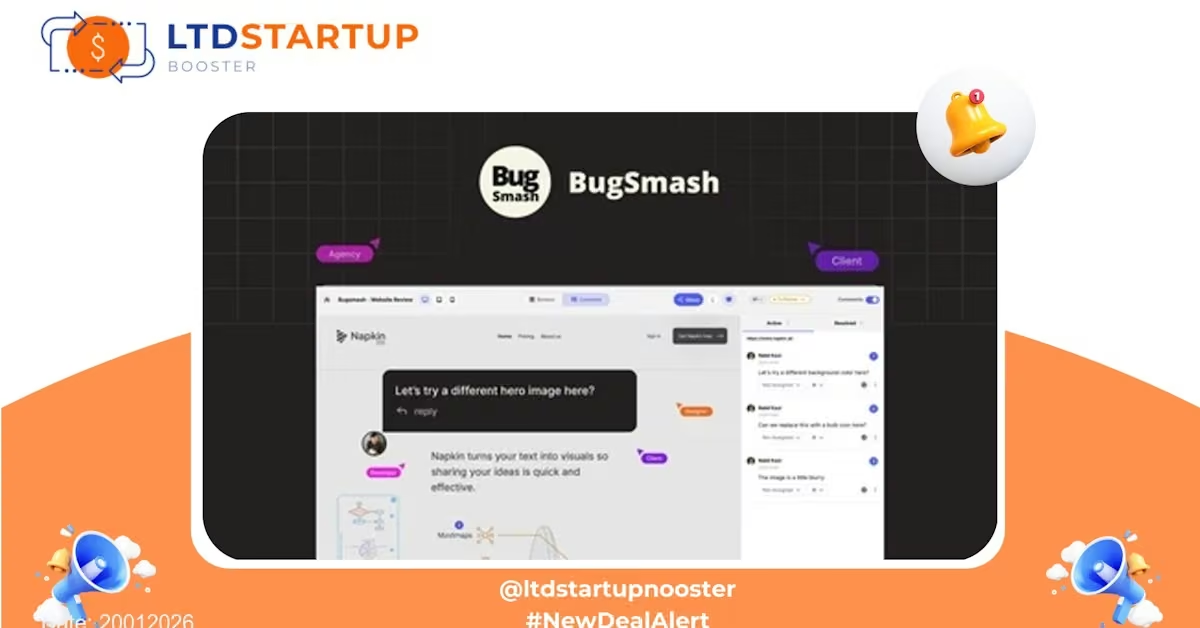
BugSmash — Turn Visual Bugs into Action in Seconds (Lifetime Access)
BugSmash streamlines bug reporting by letting anyone on your team capture, annotate and assign visual issues directly from the browser or app. This lifetime deal gives product, design and engineering teams a faster way to reproduce, prioritize and fix UI/UX problems without long back-and-forths.
Lifetime Deal Overview
With this lifetime offer, you get long-term access to BugSmash’s core bug-capture and workflow features for a single one-time price. It’s ideal for small to mid-sized teams that want to lock in a predictable cost for visual bug reporting and issue context capture. The platform focuses on speed of reporting, developer-friendly payloads, and tight collaboration between QA, design and engineering.
Key Features
Capture screenshots or screen recordings from a browser extension or in-app widget, then annotate with arrows, highlights, comments and measurements. Reporters can attach environment metadata (browser, OS, viewport) automatically so developers see the exact context.
Create actionable tickets instantly and push them to your issue tracker. BugSmash adds structured details, steps to reproduce and annotated media so devs don’t need to chase down the reporter for basics.
Connect directly to popular development and communication tools (issue trackers, version control, and team chat) to keep bugs flowing into existing workflows with minimal friction.
Organize bugs by project, assign owners, add due dates and use role-based permissions to control who can report, edit or close issues.
Tag, prioritize and filter bug reports across releases and milestones. Built-in dashboards and reporting help teams focus on the highest-impact issues.
Every change to an issue—comments, assignments, status updates—gets recorded to provide transparency for distributed teams and stakeholders.
Practical Use Cases
- Design handoff: Designers capture UI regressions and annotate pixel-level issues; developers receive a ready-to-fix ticket with visuals and specs.
- QA workflows: Testers submit annotated screenshots with environment details that eliminate the guesswork during bug reproduction.
- Client feedback: Customer success teams collect clear, actionable bug reports directly from clients and convert them into internal tasks.
- Release triage: During pre-launch checks, product managers categorize and prioritize visual issues so the launch team focuses on critical fixes.
- Remote collaboration: Distributed teams use inline comments and recordings to discuss UI behaviors without long video calls.
How BugSmash Compares
There are several tools that handle bug tracking or error-monitoring. Here’s where BugSmash stands out:
- Vs. traditional issue trackers (Jira, GitHub Issues): Those are strong for full development lifecycle management but require manual steps to add screenshots and environment data. BugSmash specializes in capturing contextual visuals and auto-attaching environment metadata so tickets are immediately actionable.
- Vs. error-monitoring platforms (Sentry): Error-monitoring focuses on exceptions and stack traces. BugSmash focuses on visual/UI bugs and user-visible issues—ideal for front-end regressions and design problems that don’t always surface as exceptions.
- Vs. visual feedback tools (Marker-like tools): Some feedback tools concentrate on visual annotation only. BugSmash blends visual capture with workflow and integrations so annotated feedback becomes tracked, prioritized work rather than isolated notes.
- Unique angle: BugSmash’s emphasis on immediate, context-rich reports plus smooth integration into developer workflows reduces the time between discovery and resolution—especially useful for fast-moving product teams.
Security & Compliance
BugSmash is built with a focus on security and responsible data handling. Key points:
- Encryption in transit (TLS) for all data between clients and servers.
- Data-at-rest protections and regular backups to prevent accidental loss.
- Role-based access controls and project-level permissions to limit who can view or export sensitive reports.
- Controls to help teams comply with privacy regulations (e.g., GDPR) by allowing you to manage personal data visibility and exports.
- Activity logs and audit trails that support accountability for sensitive projects.
If compliance with a specific standard or certification is a strict requirement for your organization, confirm those details with the vendor before purchasing.
Choose the Plan That’s Right for You
| Tier | Price (USD) | Projects / Files | Members | Collaborators | Storage | Max File Size | AI Reviews |
|---|---|---|---|---|---|---|---|
| Tier 1 | $79 | 75 | 2 | 2 | — | — | — |
| Tier 2 | $199 | 250 | 10 | 10 | 50 GB | 500 MB | 20 |
| Tier 3 | $299 | Unlimited | Unlimited | Unlimited | 250 GB | 1 GB | 100 |
Deal Is Closing Soon — Act Now
This lifetime offer for BugSmash was published on 20012026 and will close when the stock allocation is sold out. If your team relies on quick visual reporting, this opportunity can secure long-term access at a one-time price — but it won’t be available indefinitely. Don’t miss a chance to lock in lifetime access while the deal remains available.
Click the button to view the full offer details and confirm terms. Quantities are limited — deal will close once sold out.