
Newoldstamp: Lock in Lifetime Email Signature Management for Your Team
Introduction
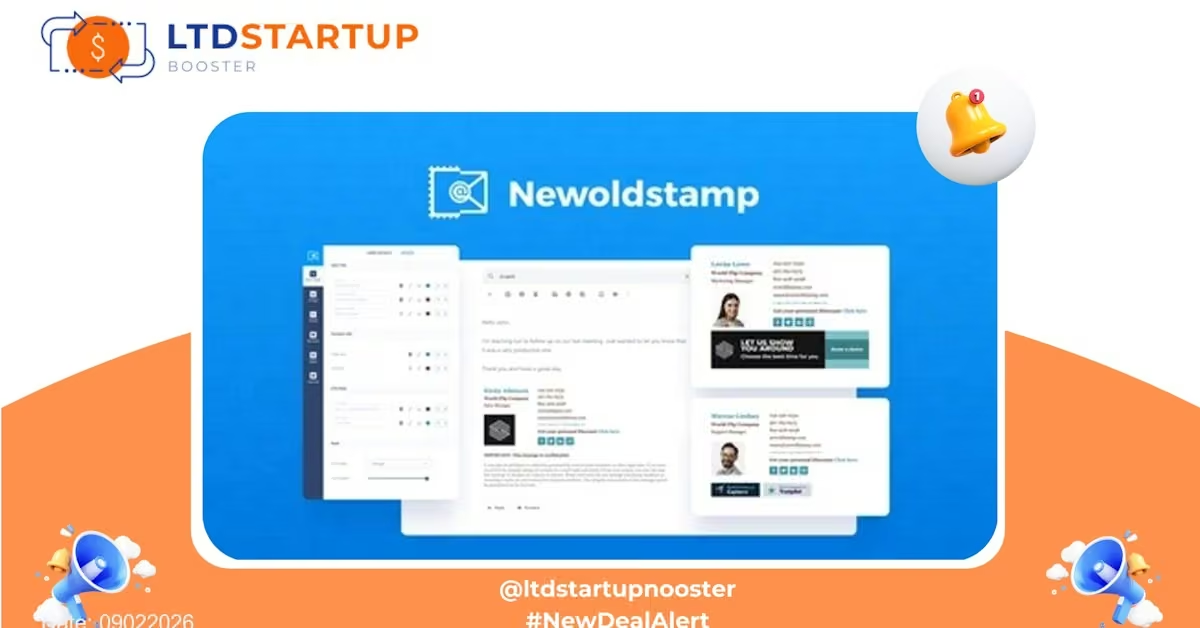
Newoldstamp is an email signature management platform that helps teams create consistent, branded signatures and run signature-based marketing campaigns across Gmail, Outlook, and other mail clients. This lifetime deal gives you long-term access to Newoldstamp’s premium signature builder, centralized team controls, and campaign tools — a smart investment if you want one-time pricing for ongoing email branding and marketing capabilities.
Key Features
- Centralized Signature Management: Admins can create and push standardized signatures to team members, ensuring brand consistency across every outgoing email without manual setup per user.
- Drag-and-Drop Signature Editor: A visual editor to build professional signatures with social icons, profile photos, legal disclaimers, and clickable banners—no HTML required.
- Marketing Banners & Campaigns: Add time-bound banners or promo blocks to signatures and swap them centrally for seasonal offers, product launches, or events.
- Integrations: Direct integrations with common mail platforms (Gmail/Google Workspace, Outlook/Office 365), plus options to deploy via user-side instructions or admin console tools for automated rollout.
- Team Roles & Permissions: Granular controls for admins, editors, and end-users so signature templates and campaigns stay on-brand while allowing local contact info edits.
- Analytics: Track banner clicks and signature campaign performance to measure ROI on email-based promotions.
- Signature Export & Compatibility: Export signature HTML for any client, plus mobile-friendly layouts so signatures look right across devices.
Use Cases
- Sales Teams: Ensure every outbound email includes up-to-date contact details, social links, and a clickable CTA driving prospects to demos or booking pages.
- Marketing Campaigns: Run coordinated promotional banners across employee signatures to amplify product launches, webinars, or seasonal deals—measurable via analytics.
- HR & Recruiting: Equip recruiters with consistent signatures that include interview scheduling links, employer branding, and referral program CTAs.
- Small Agencies & Freelancers: Present a professional, unified brand across client-facing communications while managing multiple client accounts separately.
- IT & Onboarding: Roll out new hire signatures automatically during onboarding so new team members begin communications with a consistent brand presence.
Comparison — Where Newoldstamp Stands Out
Many signature tools exist, but Newoldstamp distinguishes itself through a balance of usability, marketing features, and team controls. Below is a quick comparison against several well-known alternatives.
| Category | Newoldstamp (Lifetime Deal) | WiseStamp | CodeTwo / Xink (Enterprise) |
|---|---|---|---|
| Pricing Model | One-time lifetime access for the deal period — predictability and savings | Subscription (monthly/annual) | Subscription geared to enterprise scale |
| Ease of Use | User-friendly drag-and-drop editor and simple admin console | Simple editors and templates | Powerful but more complex enterprise tools |
| Marketing Features | Built-in banner campaigns with analytics | Good template options, fewer centralized campaign tools | Strong enterprise controls; marketing features vary |
| Enterprise Integration | Integrates with common mail systems; suitable for SMBs and teams | Great for individuals and small teams | Deep integration for large organizations and directory services |
Security and Compliance
Security is important when managing corporate communications. Newoldstamp takes a practical approach:
- Data Transmission Security: All signature changes and interactions use secure connections (HTTPS/TLS) to protect data in transit.
- Access Controls: Admin and role-based permissions let organizations limit who can edit or publish signatures and campaigns.
- Data Minimization: Only necessary user data for signature generation is stored; many deployments allow using directory info without duplicating sensitive data.
- Privacy & Regional Compliance: The platform offers features and policies designed to support GDPR and similar privacy regulations; organizations should verify region-specific requirements and enterprise-level contracts if needed.
- Enterprise Options: For larger teams, single sign-on (SSO) and directory integrations are typically available to centralize authentication and auditing.
Note: For specific certifications (SOC 2, ISO, etc.) or contractual requirements, review the vendor’s current compliance documentation or contact their team before purchase.
Pricing Plans
| Feature | 1 Code | 2 Codes | 3 Codes | 4 Codes |
|---|---|---|---|---|
| One-Time Price | $39 | $78 | $117 | $156 |
| Signatures | 5 | 10 | 15 | 25 |
| Stacking Limit | (Up to 6 Codes) | |||
Deal Is Closing Soon — Act Now
Ready to secure lifetime access and simplify email branding for your team? Click below to view the deal page and review exact terms, seat limits, and deployment options.
Tip: Check the deal page for the exact lifetime plan details (number of seats, feature tiers, and any activation instructions) to ensure it matches your team’s needs.